
5 Common Mistakes to Avoid When Using a Paper Shredder

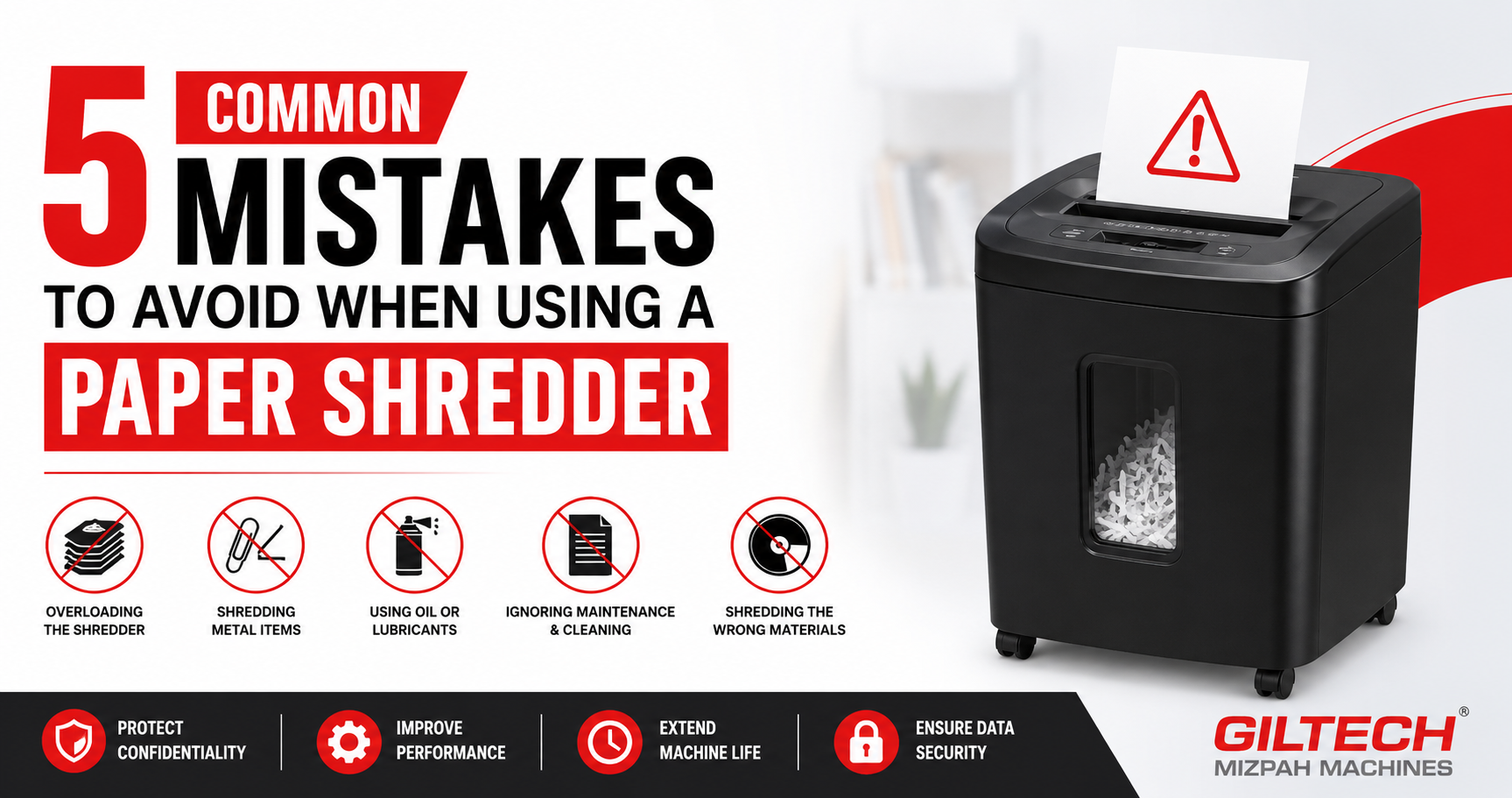
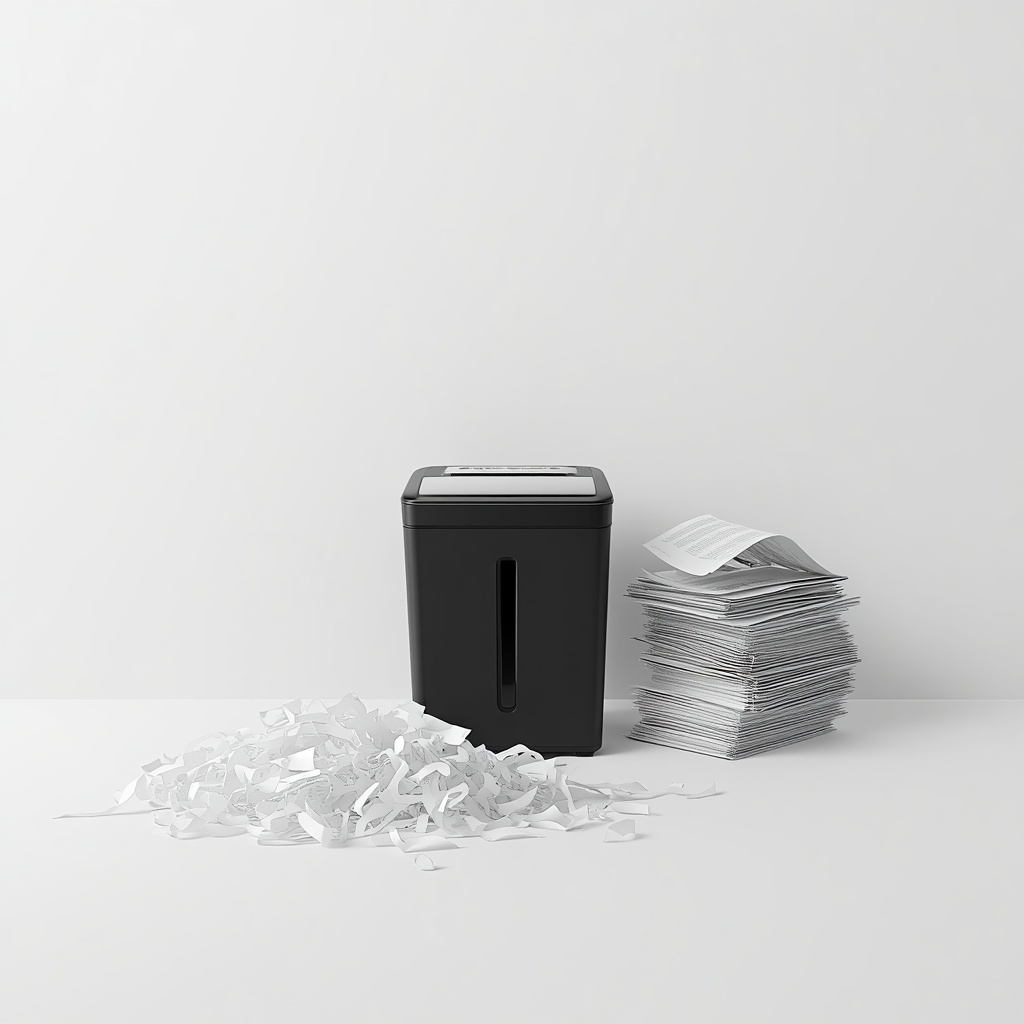
A paper shredder has become an essential tool in both homes and offices for protecting sensitive information. With increasing concerns around data security, simply throwing documents away is no longer safe. Shredders help ensure that confidential data is properly destroyed before disposal. However, many users do not operate their machines correctly, which can lead to performance issues and even data risks.
Small mistakes such as overloading the shredder or ignoring maintenance can damage the machine and reduce its effectiveness. In some cases, improper usage can even lead to incomplete shredding, leaving information exposed. Understanding these common mistakes and how to avoid them is crucial for maintaining efficiency and ensuring security. By following the right paper shredder usage tips, users can extend the life of their machine and achieve better results.
Why Proper Use of Paper Shredders Matters
Using a paper shredder correctly is important for both performance and security. Improper handling can cause frequent jams, overheating, and mechanical damage. These issues not only interrupt workflow but also increase maintenance costs.
Proper usage ensures complete document destruction, which is essential for maintaining confidentiality. It also improves the lifespan of the machine by reducing unnecessary strain on its components. Safe shredder use helps users get consistent results while protecting sensitive information.
When used correctly, a shredder becomes a reliable part of daily operations, offering both convenience and peace of mind.
Mistake #1: Overloading the Shredder
One of the most common mistakes is feeding too many sheets into the shredder at once. Every machine has a specific capacity, and exceeding it can lead to paper jams and motor strain. Overloading not only slows down the shredding process but can also damage internal components over time.
Repeated overloading may result in frequent breakdowns, requiring costly repairs. It also reduces efficiency, making the machine less effective in handling regular tasks.
How to Avoid It
Always follow the manufacturer’s guidelines regarding sheet capacity. Shred documents in smaller batches instead of forcing large stacks into the machine. This simple practice helps maintain smooth operation and prevents unnecessary damage.
Mistake #2: Shredding the Wrong Materials
Not all shredders are designed to handle every type of material. Feeding items such as plastic, thick cardboard, or unsupported metal clips into the machine can damage the blades and reduce performance.
Using incorrect materials can cause blockages and even permanent damage to the cutting mechanism. This can lead to costly downtime and the need for professional repair.
How to Avoid It
Before using your paper shredder, check its specifications to understand what materials it can handle. Stick to recommended items and avoid inserting anything that may harm the machine. Using the shredder as intended ensures consistent performance and longer durability.
Mistake #3: Not Maintaining the Shredder
Ignoring regular maintenance is another major mistake. Over time, paper dust and residue can accumulate inside the machine, affecting its efficiency. Lack of lubrication can also cause the blades to become dull or less effective.
Poor maintenance leads to slow shredding, increased noise, and higher chances of malfunction. Eventually, this can result in the need for a repair service.
How to Avoid It
Maintain your shredder by cleaning it regularly and oiling the blades as recommended. Empty the waste bin frequently to prevent overflow. Simple maintenance practices can significantly improve performance and extend the life of the machine.
Mistake #4: Ignoring Warning Signs
Many users continue using their shredder even when it shows signs of trouble. Unusual noises, overheating, or slower performance are clear indicators that something is wrong.
Ignoring these warning signs can lead to more serious problems, including complete machine failure. Delaying action often results in higher repair costs and longer downtime.
How to Avoid It
Stop using the shredder as soon as you notice any unusual behavior. Allow it to cool down if overheating occurs, and check for visible issues. If the problem persists, seek a professional repair service immediately to prevent further damage.
Mistake #5: Using the Wrong Type of Shredder
Using the wrong type of shredder for your needs can compromise security. For example, strip-cut shredders may not provide sufficient protection for highly confidential documents, as the strips can sometimes be reconstructed.
Choosing an unsuitable shredder can defeat the purpose of secure document disposal and increase the risk of data leaks.
How to Avoid It
Select a shredder based on your security requirements. Cross-cut or micro-cut shredders are better suited for sensitive information. Matching the shredder type to your usage ensures both safety and efficiency.
Additional Tips for Efficient Shredding
To get the best results from your paper shredder, follow a few additional practices. Avoid continuous long usage, as this can cause overheating. Allow the machine to rest between sessions to maintain performance.
Keep the shredder clean and place it on a stable surface to ensure smooth operation. Regularly check for any signs of wear and address them promptly. These small steps can make a big difference in maintaining efficiency and reliability.
When to Consider Repair or Replacement
Over time, even well-maintained machines may develop issues. Frequent jams, reduced efficiency, or repeated breakdowns are signs that your shredder may need attention.
In such cases, opting for a professional repair service can restore performance and extend the life of the machine. However, if the repair costs are too high or the machine is outdated, replacement may be a better option.
For temporary needs, rental services can also be considered as a cost-effective solution.
Conclusion
A paper shredder is an important tool for protecting sensitive information, but its effectiveness depends on proper usage. Avoiding common mistakes such as overloading, poor maintenance, and ignoring warning signs can help ensure smooth operation and long-term reliability.
By following simple practices and seeking timely repair service when needed, users can save costs and maintain high levels of security. Investing time in proper usage not only improves performance but also protects valuable information, making shredding a safe and efficient process.